

Venturz Review: All-in-One Business Platform Worth It?
Venturz tries to be your all-in-one business platform with a website builder, CRM, email, and community tools. This review tests whether combining everything into one app actually works well. Covers each feature, deal pricing, and who this platform fits best.


Venturz
An all-in-one business platform combining website building, CRM, email marketing, live chat, community management, and task management into a single tool.
Solopreneurs and startup founders who want a unified platform for running their online business without stitching together multiple SaaS tools.
Duplac, Systeme.io, HighLevel, Kajabi
What Is Venturz and What Does It Cost?
Venturz is an ambitious all-in-one business platform that bundles a website builder, CRM, email marketing, live chat, community tools, task management, and even e-commerce features into a single dashboard. It's currently available as a lifetime deal on AppSumo starting at $69 for tier one, with higher tiers enabling increased limits across the board.
The tool's interface follows a clean, minimalist black-and-white design philosophy that stays out of your way so you can focus on content. You can customize the color palette under settings if you prefer something more vivid, though the default look is hard to beat. With so many features packed in, this review covers each major component to help you decide whether Venturz deserves a spot in your tech stack.
The Website Builder Is Genuinely Impressive
The website builder is arguably the strongest part of Venturz. It's built on Facebook's open-source Lexical editor, and the editing experience is refreshingly intuitive. You simply click anywhere on the page and start typing. Need to add an image? Go to a new line, press backslash, type "image," and you can upload your own file or embed content from YouTube or Twitter.
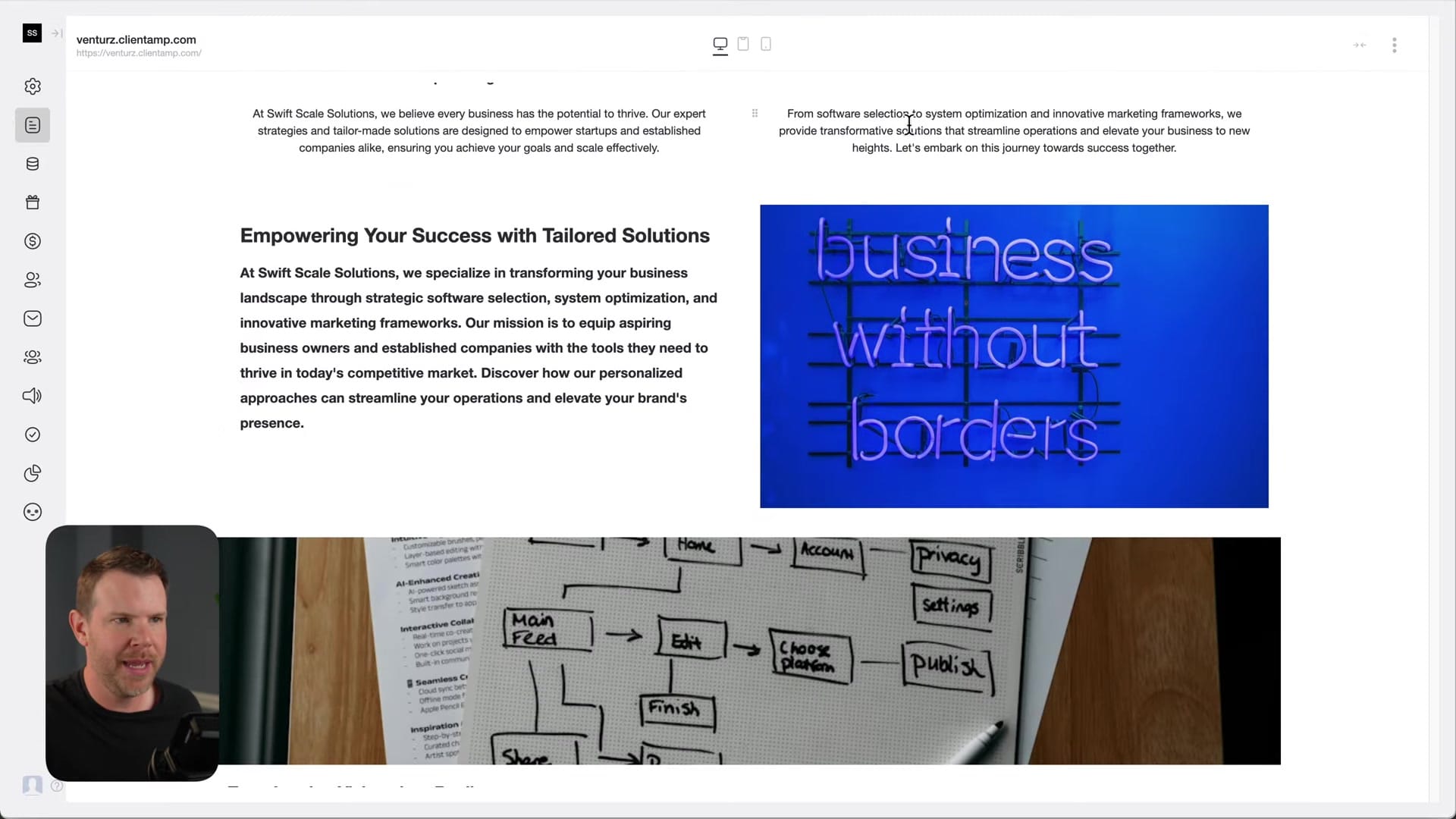
Layout options are equally straightforward. Typing the slash command for columns gives you various layout presets, from simple two-column splits to more complex arrangements with images and text. You can even nest columns for additional flexibility. Each element supports padding, margin, border radius, and even masking tools, so creating something like a perfect circle crop on an image takes just one click.
The builder also includes responsive preview modes for desktop, tablet, and mobile, plus built-in SEO metadata fields covering titles, descriptions, and Open Graph information. For those who want a head start, there's a solid template library you can browse, though the scrolling interface could benefit from a catalog-style grid view. You can also import raw HTML, which is a surprisingly rare feature among SaaS website builders and a real plus if you're working with a designer or development team.
Custom Domains and Live Chat Setup
Connecting a custom domain to your Venturz site is painless. Under settings, you enter your desired domain, get a simple A record, point it in your DNS provider (like Cloudflare), and you're live almost immediately. The resulting website loads impressively fast and feels genuinely responsive.
Live chat is equally simple to enable. In the website settings, you toggle the chat widget on and save. It appears on your live site as a small icon in the corner. When visitors engage with the chat, their messages show up in the Venturz inbox where you can respond in real time. It's not the most polished chat widget visually, but it gets the job done without requiring any third-party integrations.
Social Media Integration Needs Work
Venturz lets you connect social media profiles so you can respond to messages directly from the inbox. In theory, this is a great feature that consolidates your communication channels. In practice, the setup process is rough.
Connecting Facebook and Instagram revealed a notable bug: toggling one platform on would toggle the other off. Since both run under the same Meta umbrella, Venturz seems to struggle with handling their shared authorization. The connection process itself felt fragile, as though one wrong click could crash the whole flow and force you to start over. This is the kind of issue that should be fixable, but it's worth knowing about before you rely on it.
Browser Compatibility Issues in Safari
If you're a Safari user, be aware that Venturz doesn't perform as reliably outside of Chrome. In testing, images in the website editor would fail to load consistently, requiring manual page refreshes to get them to appear. The image editing tools occasionally got cut off or displayed incorrectly.
Chrome users shouldn't experience any of these issues. But for anyone who prefers Safari or another non-Chromium browser, this is a significant consideration. Browser compatibility is one of those things that really matters for a website builder you'll spend hours working in.
E-Commerce and Product Creation Are Broken
Venturz markets itself as having e-commerce capabilities, but during testing, creating products simply didn't work. Clicking the create product button produced a spinning wheel that never resolved. The finance settings page, where you'd presumably configure Stripe as your payment processor, also refused to load.
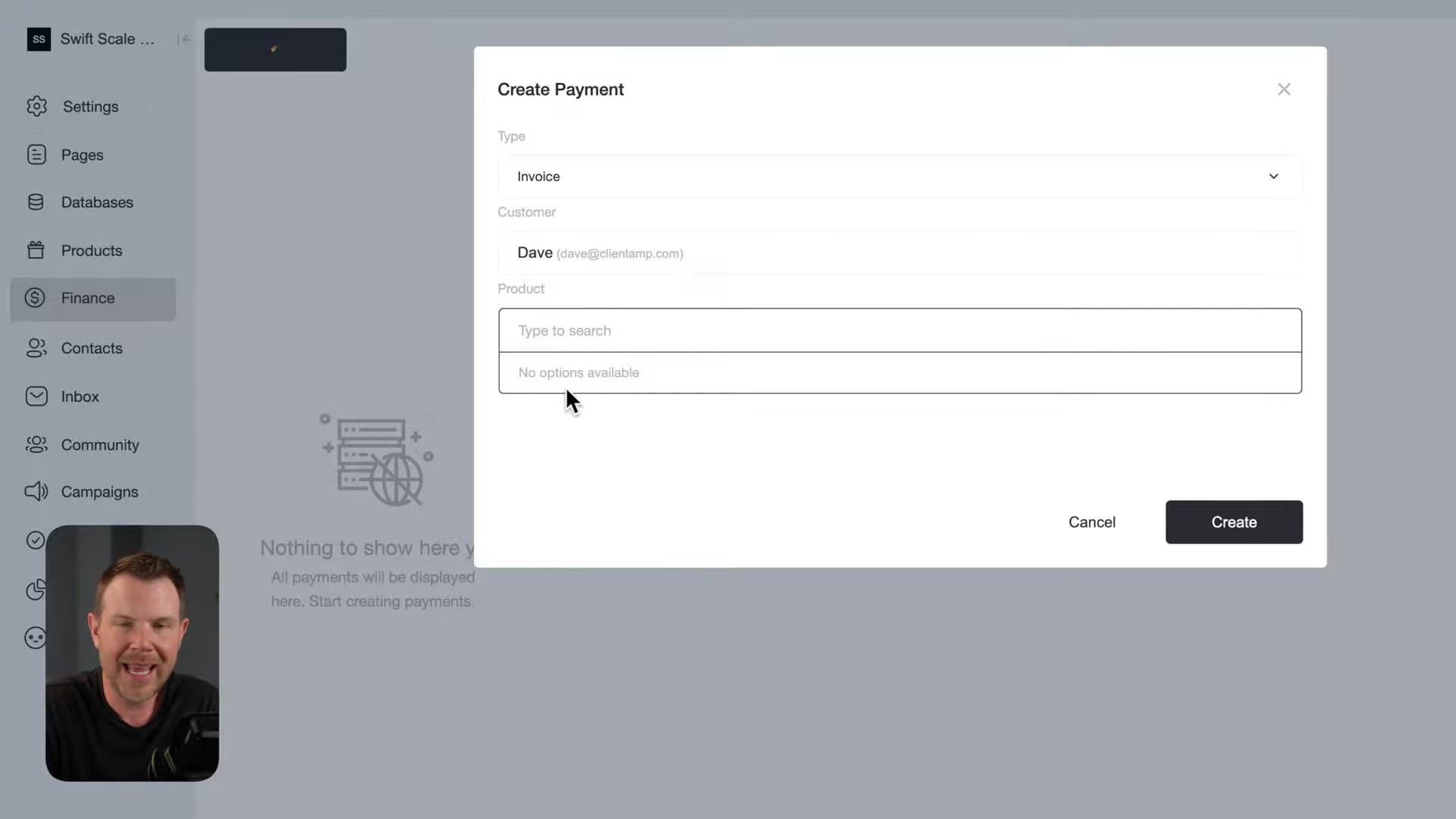
The invoicing system exists and looks functional in theory, but since it requires you to select a product to charge for, the broken product creation blocks that workflow entirely. Venturz currently supports only Stripe for payments, which could be a dealbreaker for users in countries where Stripe isn't available. Adding PayPal or other payment alternatives would go a long way.
Product limits are also quite restrictive. Tier one allows just five products, scaling up to 40 on tier four. For many online businesses, even 40 products feels limiting. It's clear the e-commerce side of Venturz isn't ready for prime time yet, though the foundation is there for whenever they finish building it out.
A Minimalist Task Management System
Venturz includes a built-in task manager that's simple but effective. You can create tasks with descriptions, checklists (using the same Lexical editor found throughout the platform), assignees, tags, deadlines, and recurring schedules. It feels similar to apps like Things on macOS, just lightweight enough to actually use without getting bogged down in project management overhead.
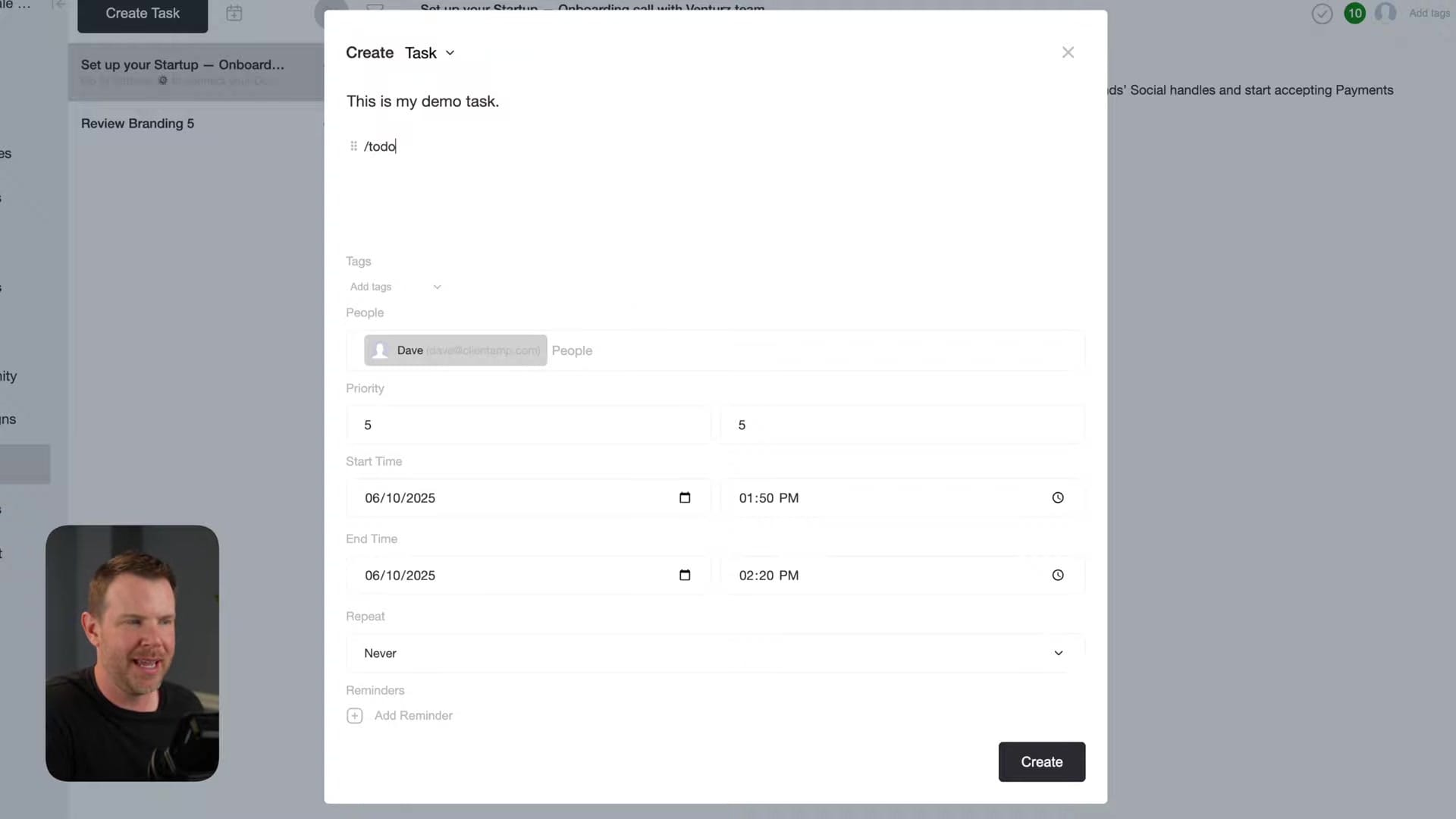
Organization is handled through tags, and the filtering system lets you quickly narrow down your task list. If you're the type of person who abandons project management tools once they get too complex, Venturz's approach might actually stick. It won't replace a dedicated tool like Asana or Linear for larger teams, but for a solopreneur managing their own workflow, it's a solid addition to the platform.
Email Campaigns and Automation Builder
The campaign builder lets you create email marketing automations that could potentially replace tools like ConvertKit or Mailchimp for simple use cases. You choose from several campaign types including email, community posts, social media messages, and even meeting scheduling. Campaigns can be one-off or ongoing, with configurable exit strategies for contact management.
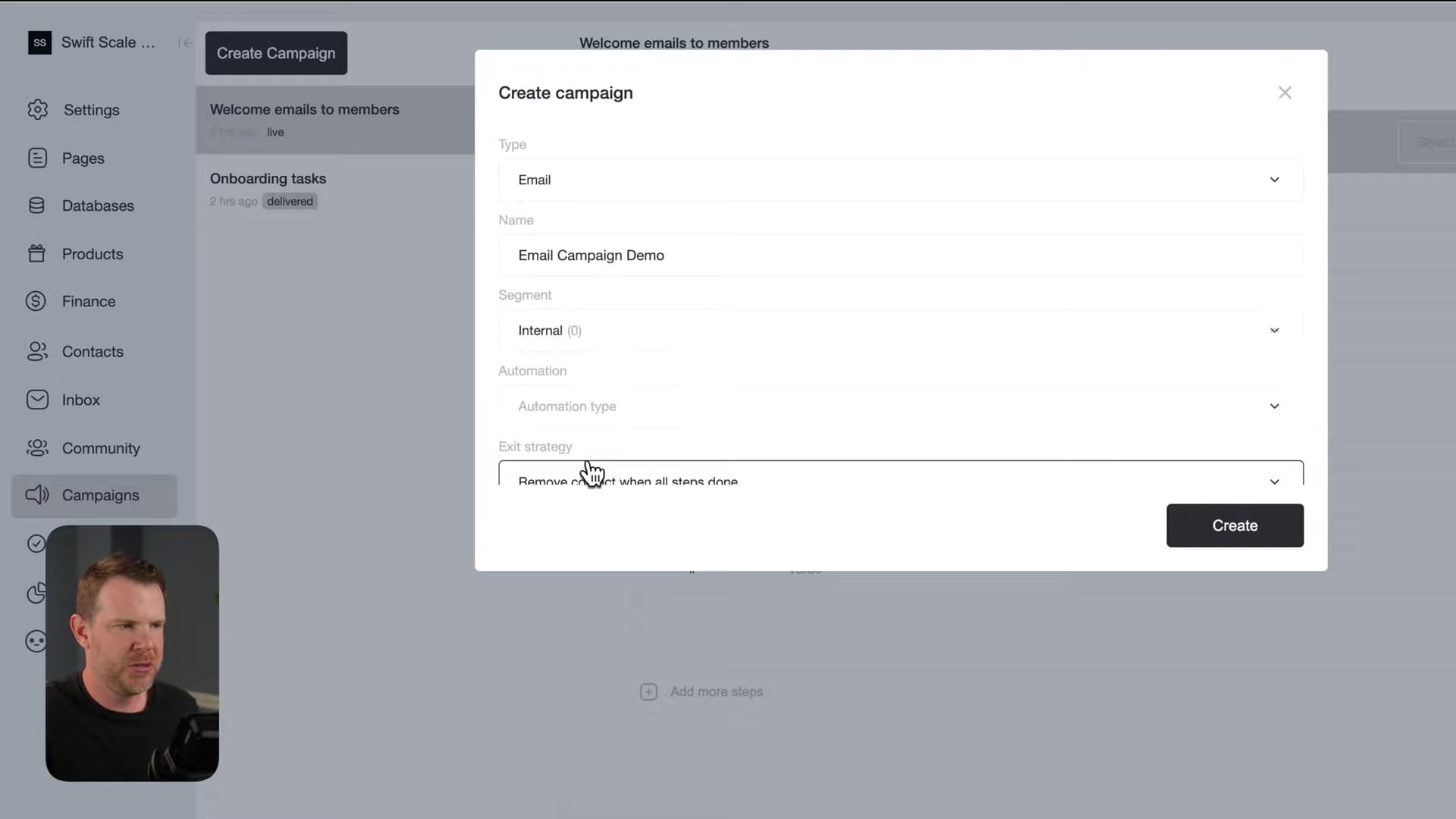
The automation builder itself is straightforward. You set up steps with delays (hours or days), configure your sender address including custom domains, write your subject line, and compose the email using the familiar Lexical editor. You can chain multiple steps together mixing different channel types, so a single campaign could send an email, post to your community, and publish to Twitter.
One notable gap is the lack of campaign templates. A set of pre-built sequences like a welcome series or follow-up drip would make it dramatically easier to get started. The website builder has templates, so extending that approach to campaigns seems like a natural next step.
Contact Management and CRM Features
The contact section gives you a profile view for each user showing their information, social media profiles, session history, subscription plan, and referral activity. You can create contacts manually, capture them through website forms, or bulk import via CSV with a provided template to ensure proper formatting.
It's a functional CRM that covers the basics without overwhelming you. The integration with campaigns means you can segment your contacts and target specific groups with automated sequences. For a startup or small business, this level of contact management is often all you need.
Community Features: Simple but Functional
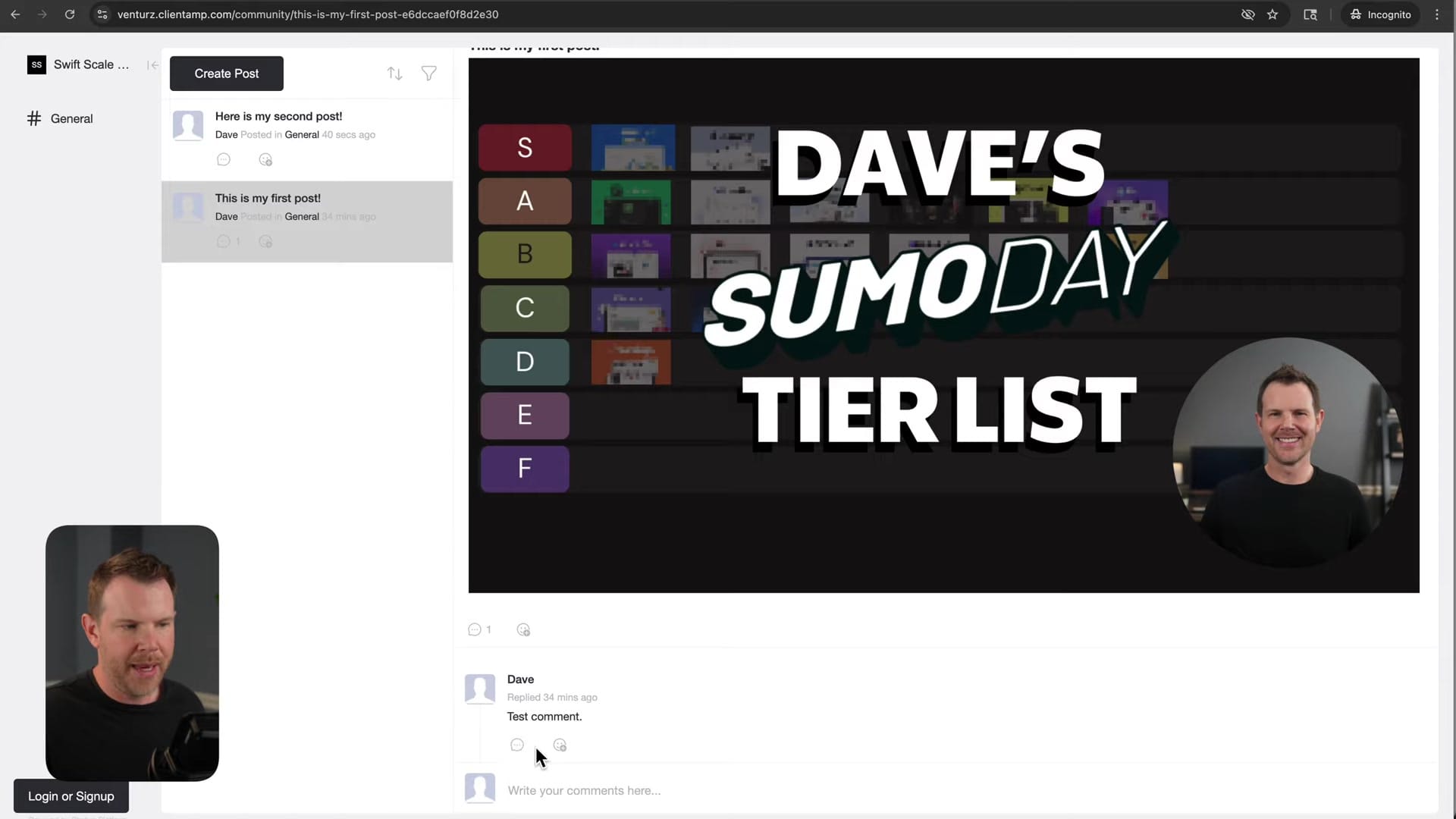
The community module lets you create a discussion space for your audience with posts, comments, polls, events, and even pricing tables. Creating a post is quick: add a title, write your content in the Lexical editor, and optionally cross-post to social media simultaneously. You can schedule posts for the future or publish immediately, and control visibility by restricting content to specific member tiers or keeping it public.
The public-facing community page shows posts in a sidebar layout with a built-in commenting system and emoji reactions. Organization is handled through tags, keeping discussions on topic as your community grows. The editing interface does get cramped when posts contain many elements like polls, images, and event details, and there's no way to expand the editor window, which is a minor but noticeable friction point.
Features like Unsplash integration for images and live stream embedding are on the wish list, but what's there now covers the essentials for building an engaged community around your product or brand.
AI Assistant and the Token Problem
Venturz includes an AI assistant accessible from the sidebar that can help with tasks like generating sales copy. The assistant works through a chat interface where you can ask it to create content, and it does a reasonable job producing usable text. However, there's a critical disconnect: you can't easily turn AI-generated content into actual pages. Asking the assistant to create a page from its output just produces a step-by-step guide telling you how to do it manually.

The AI integration within the page editor is equally puzzling. There's an AI card you can insert via slash command, but it renders content only on the front end, not in the editor. Worse, it appears to regenerate every time the page loads, silently consuming your token allocation in the background.
This is where the real frustration kicked in. Tier one includes 20,000 AI tokens, and those were nearly exhausted after minimal use. The likely culprit is those front-end AI blocks regenerating on every page view. Once you hit the limit, you're not just locked out of AI features. You're locked out of the entire platform. That's a dealbreaker-level issue that Venturz needs to address immediately.
Storage Limits and Platform Restrictions
Beyond the AI token issue, Venturz imposes some surprisingly tight restrictions across the board. Storage on tier one is limited to just 25 megabytes, which is extraordinarily low for a platform that includes a website builder with image uploads. Task limits feel equally arbitrary. Why cap the number of tasks a user can create in what's supposed to be a productivity tool?
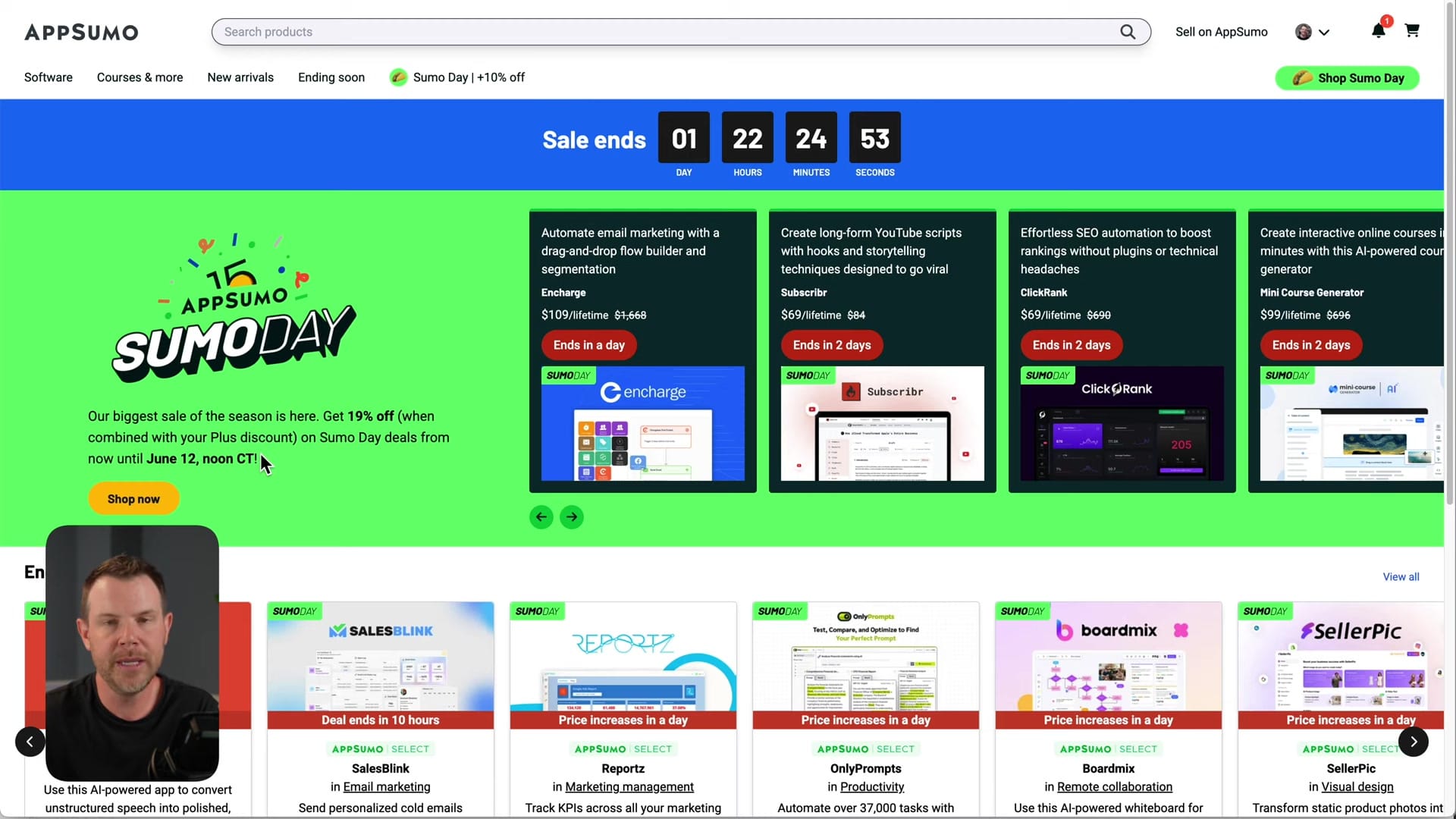
These restrictions give the impression that the tiered pricing was designed to push users toward higher plans rather than to reflect actual resource costs. For a lifetime deal, you want to feel like you're getting room to grow, and some of these limits feel constraining right out of the gate.
Final Verdict: C Tier with Potential
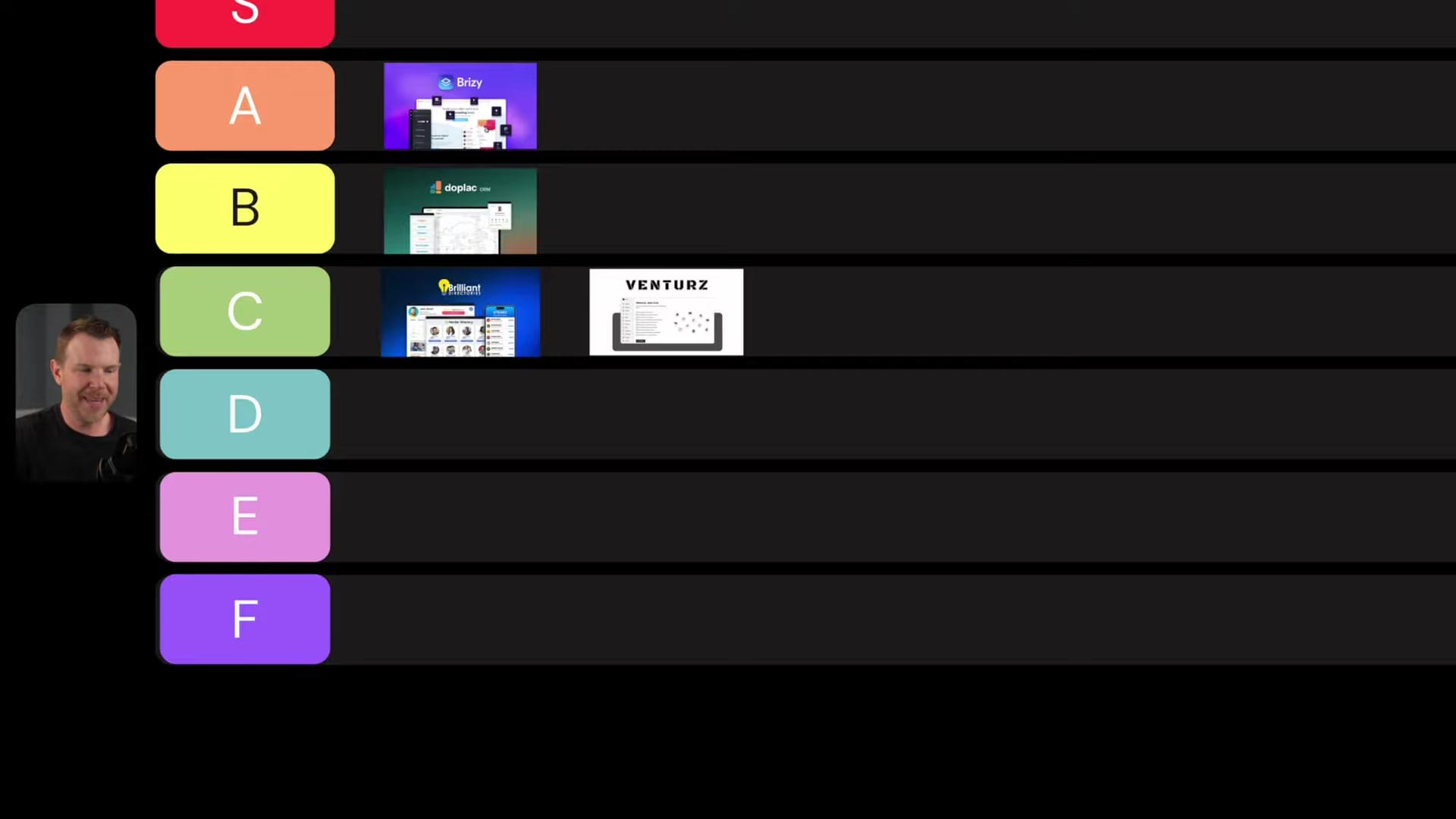
Venturz earns a C tier rating, landing just below Duplac, which is its closest competitor in the all-in-one business platform space. The website builder is legitimately good, the task manager is clean and useful, and the campaign builder covers the basics well. Venturz is also the better-looking tool compared to most of its competitors.
But the rough edges are hard to ignore. Broken e-commerce features, the social media integration bug, Safari compatibility issues, and most critically, an AI token system that can lock you out of the entire platform with minimal warning. The team did respond quickly with additional credits during the review, though that appeared to be YouTuber treatment rather than standard policy.
If Venturz revises its token policies so users can continue using the platform regardless of AI credit balance, and finishes building out the e-commerce and payment features, it could easily climb to B tier. The foundation is strong and the design is polished. It just needs more time to mature.
Watch the Full Video
Prefer watching to reading? Check out the full video on YouTube for a complete walkthrough with live demos and commentary.
Frequently Asked Questions
What is Venturz?
Venturz is an all-in-one business platform that combines website building, CRM, email marketing, live chat, community management, task management, and e-commerce features into a single dashboard for running an online business.
Who is Venturz designed for?
Solopreneurs and startup founders who want a unified platform for running their online business without stitching together multiple SaaS tools. It is particularly suited for those who prefer simplicity over using separate specialized tools.
How much does Venturz cost?
Venturz is available as a lifetime deal on AppSumo starting at $69 for tier one. Higher tiers provide increased limits across all features including contacts, email sends, and storage.
Is the Venturz website builder any good?
The website builder is genuinely impressive for an all-in-one tool. It follows a clean, minimalist design philosophy and provides enough flexibility to create professional-looking sites. You can customize the color palette under settings if you prefer something more vivid.
How does Venturz compare to Systeme.io or Kajabi?
All three are all-in-one business platforms, but Venturz differentiates itself with its clean interface design and lifetime deal pricing. Systeme.io offers a generous free plan, while Kajabi focuses more on course creators. Venturz aims to serve the broader solopreneur market.
Can Venturz replace multiple SaaS subscriptions?
Yes. Venturz bundles website building, CRM, email marketing, live chat, community tools, and task management into one platform. For solopreneurs and small businesses, this can eliminate the need for several separate monthly subscriptions.
Get Dave's Toolbox
The tools I actually use, every Tuesday. Free. No spam.
No cost. No spam. Unsubscribe anytime.


