

Dave's Toolbox -- September 1, 2026
Beloved Mac screen capture tool gets a major upgrade. One API key so your agent can reach 50 providers. The design app AppSumo is switching to. That tiled Linux desktop, on the Mac you already own. A highly useful Mac app you may not have heard of turns 15.

Welcome to Dave's Toolbox!
CleanShot just grew a cinematic video editor, and Treg is one API key that lets your agent reach 50 providers. AppSumo is ditching Figma for a desktop design app, you can get that Omarchy tiled desktop without buying a new computer, and a highly useful Mac app you may not have heard of turns 15 today.
Beloved Mac screen capture tool gets a major upgrade
 Jason Fried
CleanShot is the Mac screenshot app a lot of us already use. Version 5.0 shipped today with Studio Mode, which is a video editor inside CleanShot. After you record, you can add zooms that follow the cursor, smooth shaky mouse movement, add motion blur and a background, trim mistakes, and export. Those tools are on every plan.
The app a lot of people have been paying for to get that look is Screen Studio. It used to be a one-time purchase, but Screen Studio changed their pricing to make it dramatically more expensive.
CleanShot gives you all of the great screen capture tools, and adds in Studio mode at no extra cost. $35 once, get updates for a year, and keep using the software after that. You just stop getting new versions. If you want CleanShot's built-in file sharing, that is the Pro plan at $10 per user per month.
Screen Studio can still do a few things Studio Mode cannot, but Studio Mode just launched, and they sound like they will keep adding to it. This is for people who need a recording to look finished, not a quick share-the-link clip.
Affiliate link (I may earn a commission): daveswift.link/cleanshot-x
Mac only, macOS 13+.
One API key so your agent can reach 50 providers

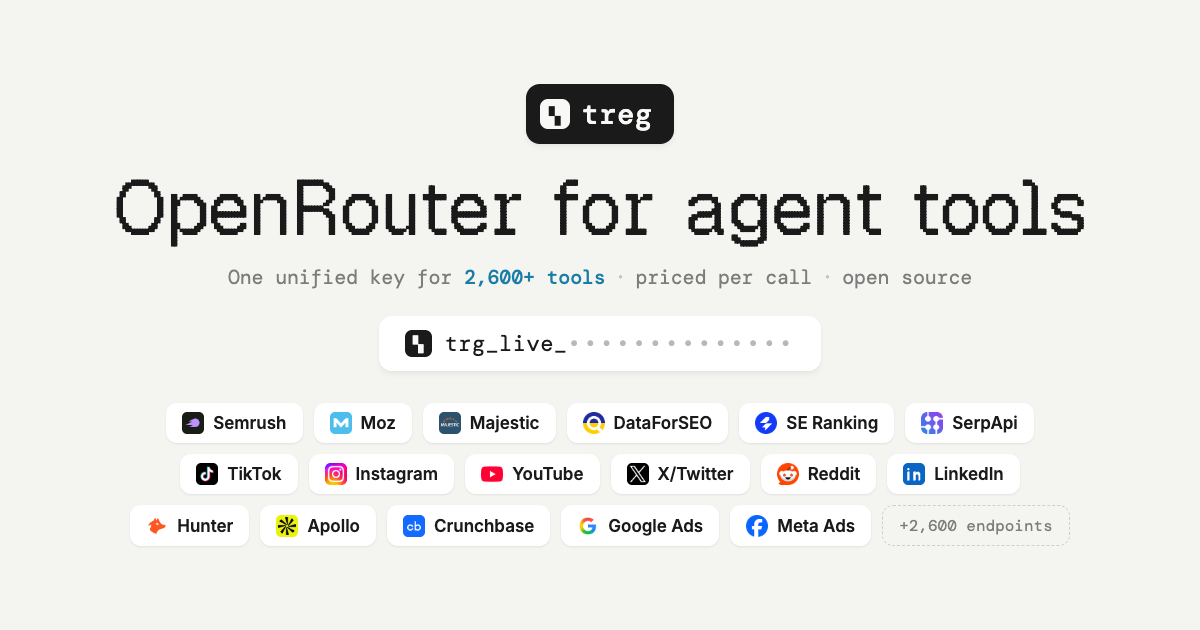
Treg is a fire hose of information for your agent. You sign up once, you get one API key, and your agent can call more than 2,600 endpoints across about 50 providers. SEO, Social Media, Data Encrichment and a whole lot more. You do not need a seat or an API key at each one. You pay by the search or bring your own key where you have one.
Hook it up to Claude, Hermes, or anything that speaks MCP.
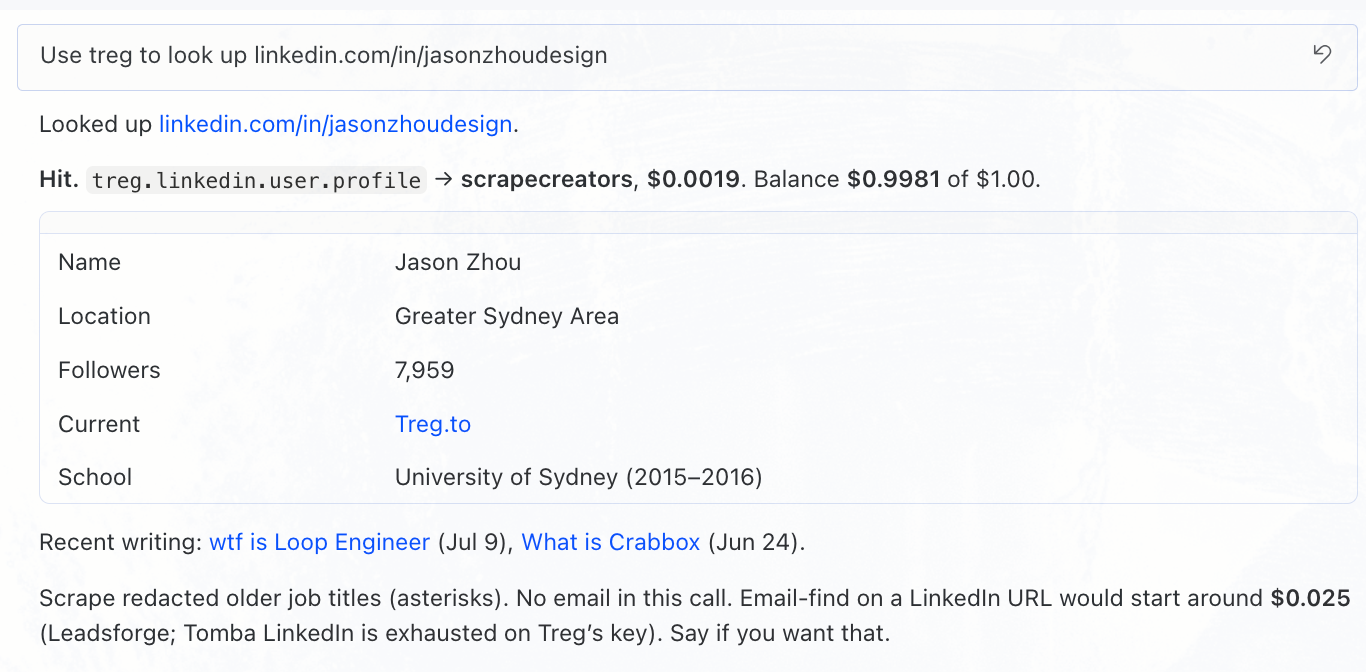
I tried it from Hermes. I gave it the LinkedIn URL for Jason Zhou, who built Treg. The lookup cost $0.0019, which is less than two tenths of a cent, against a $1.00 starter credit. It came back with his location, follower count, and current company. Older job titles were hidden. That call did not include an email. Treg picked the vendor and showed me the receipt.
Disclosure: I have a referral link. You get $5.00 extra when you add $10.00. I get $5.00, seven days later.
New teams start with $1.00 free. Open source. Repo: github.com/superdesigndev/treg
The design app AppSumo is switching to

Noah at AppSumo is moving off Figma to Pen. He says that saves a couple thousand dollars.
Day #105 of the War on Overpriced Software. 🫡
— Noah Kagan (@noahkagan) August 31, 2026
Canceled Atlassian Confluence → moved to Outline (saved $8,000)
Canceling Figma -> moving to Claude Design and Pencil dev (saving $2,500)
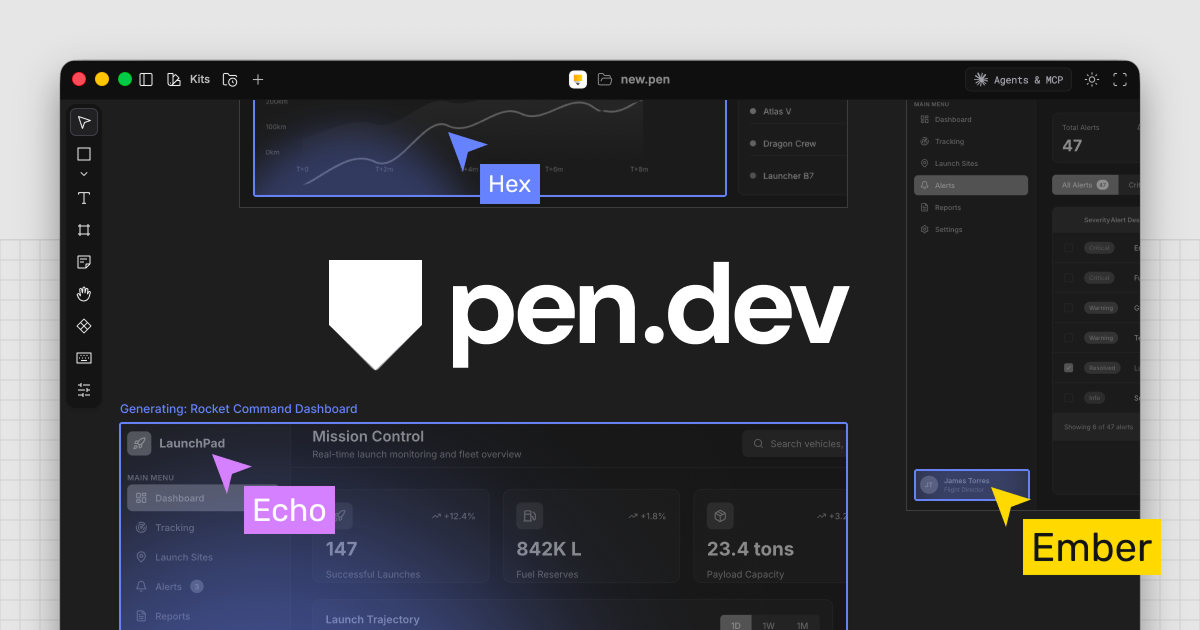
Pen is a desktop app. Mac, Windows, Linux. You connect an AI agent, you prompt it, and it generates the design. When you want changes, you grab type and frames on the canvas yourself, or you just ask chat to do it. If you want Hermes or another agent to drive it from outside the app, it has MCP, so you can control it remotely.
I installed it on my MacBook Air, connected an agent, and asked it to redesign a homepage with a retro-futuristic look. A couple of minutes later I had a full mockup. Then I could still click around and change it by hand. When the page is done, you can export HTML.
Check it out: pen.dev (it used to be pencil.dev).
That tiled Linux desktop, on the Mac you already own
 nikitabobko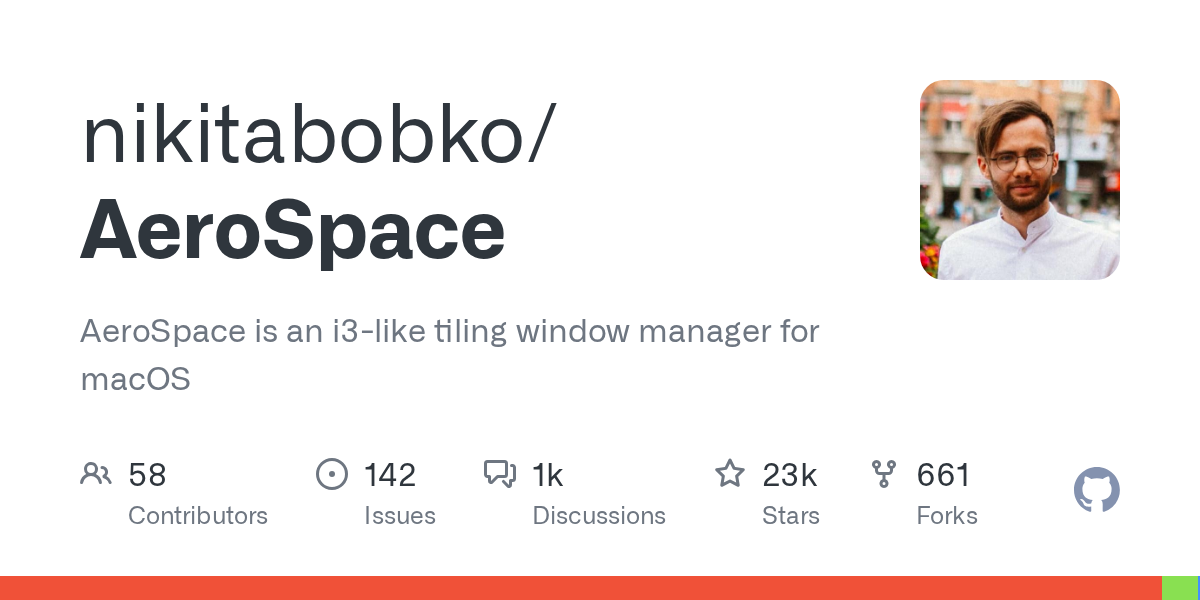
DHH's Omarchy Linux demos are everywhere right now. Windows snap into a grid. Keyboard. That “I love computers” feeling. Some people are talking about selling a high-end MacBook Pro and buying a Dell XPS.
You do not have to buy a new computer or learn a new operating system to love computers or have a fast, keyboard driven approach.
For example, AeroSpace is a free, open-source software that tiles your windows as you open apps. It is clean and fast. It does not pile on animations to slow you down. Workspaces are built in, so you can jump between screens and actually use the Mac like the power user you want to be.
I watched the Omarchy demo and realized I bascially already work the way he described, but I do it the Mac. Moving to Linux would mean giving up a lot of the everyday stuff Apple ties together, like Messages, iCloud, and the apps I already paid for. I run AeroSpace on my Air. I keep separate desks for Mail, Hermes, Safari, and Calendar, and I float a window when I need it. Seems like I should make a video demo about this. What do you think?
MIT, about 23k GitHub stars, macOS 13+.
brew install --cask nikitabobko/tap/aerospace
A highly useful Mac app you may not have heard of turns 15


Sharing, moving, or organizing multiple files on a Mac can annoying when the source and the destination are in different folders. You start dragging, then you have to keep the mouse button down while you hunt for the other window.
Yoink is a Mac app that puts a little shelf on the edge of your screen. It's like a temporary holding container. When you start dragging something, the shelf slides out. You drop the file there, let go of the mouse, keep browsing Finder, and add more files. When you have the set you need, you drag them all out at once or one at a time.
Yoink has been around forever. Infact, it turns 15 today!
These days I use it when I want a few files in an AI agent. I go through Finder, drop each file onto Yoink, keep looking until I have three or four, then drop the pile into the agent in one go.
Definitely worth a go. $8.99 once on the Mac App Store or the direct. Setapp too. v3.7.6, macOS 10.13+.
That's this week's Toolbox. If you read this on the web, get next Tuesday at daveswift.com/newsletter. Forward it or share daveswift.com/dtb-9-1-26. See you next Tuesday.
Get Dave's Toolbox
The tools I actually use, every Tuesday. Free. No spam.
No cost. No spam. Unsubscribe anytime.


